Business continuity solution for digital assets operations
Secure your operations with a rapidly deployable backup infrastructure. Seamlessly mirror your wallet environment to ensure uninterrupted operations, eliminate single vendor risk, and stay compliant.
Customer Support
Secured in TX Volume
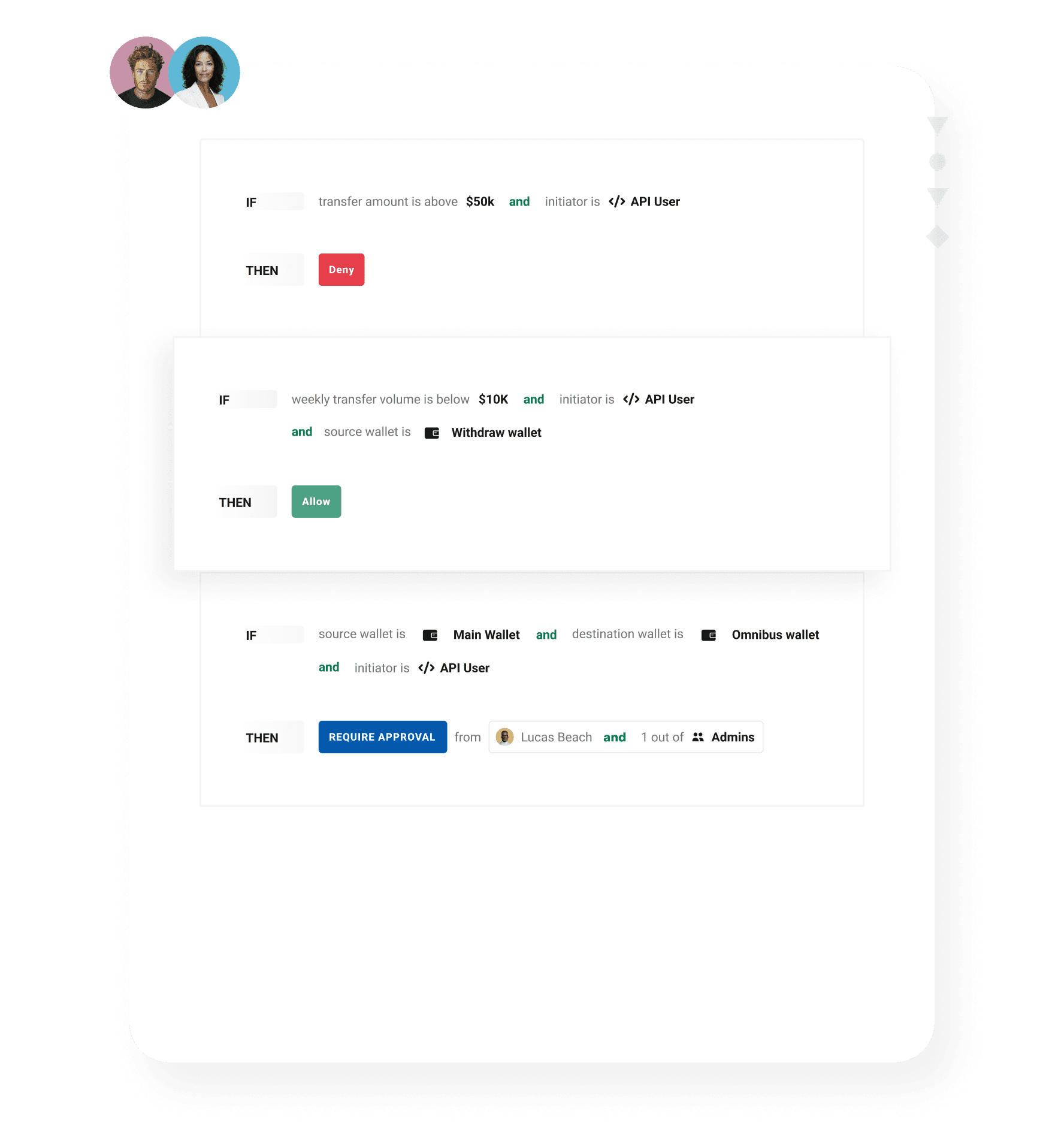
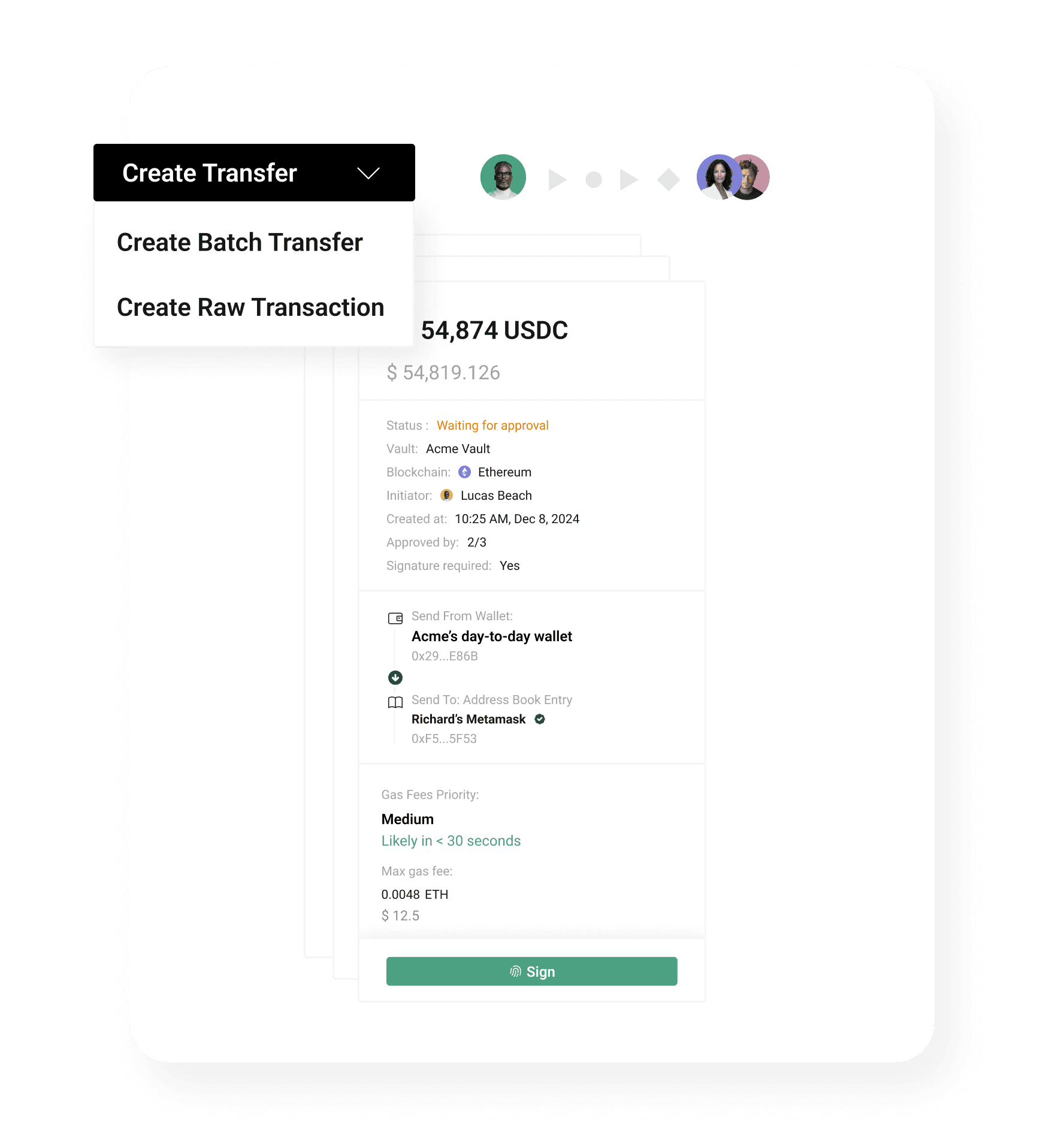
Tailor-made for the realities of institutional digital asset operations
Connect to the entire digital asset ecosystem.
100+
blockchains
30+
integration partners
Seamless Connectivity
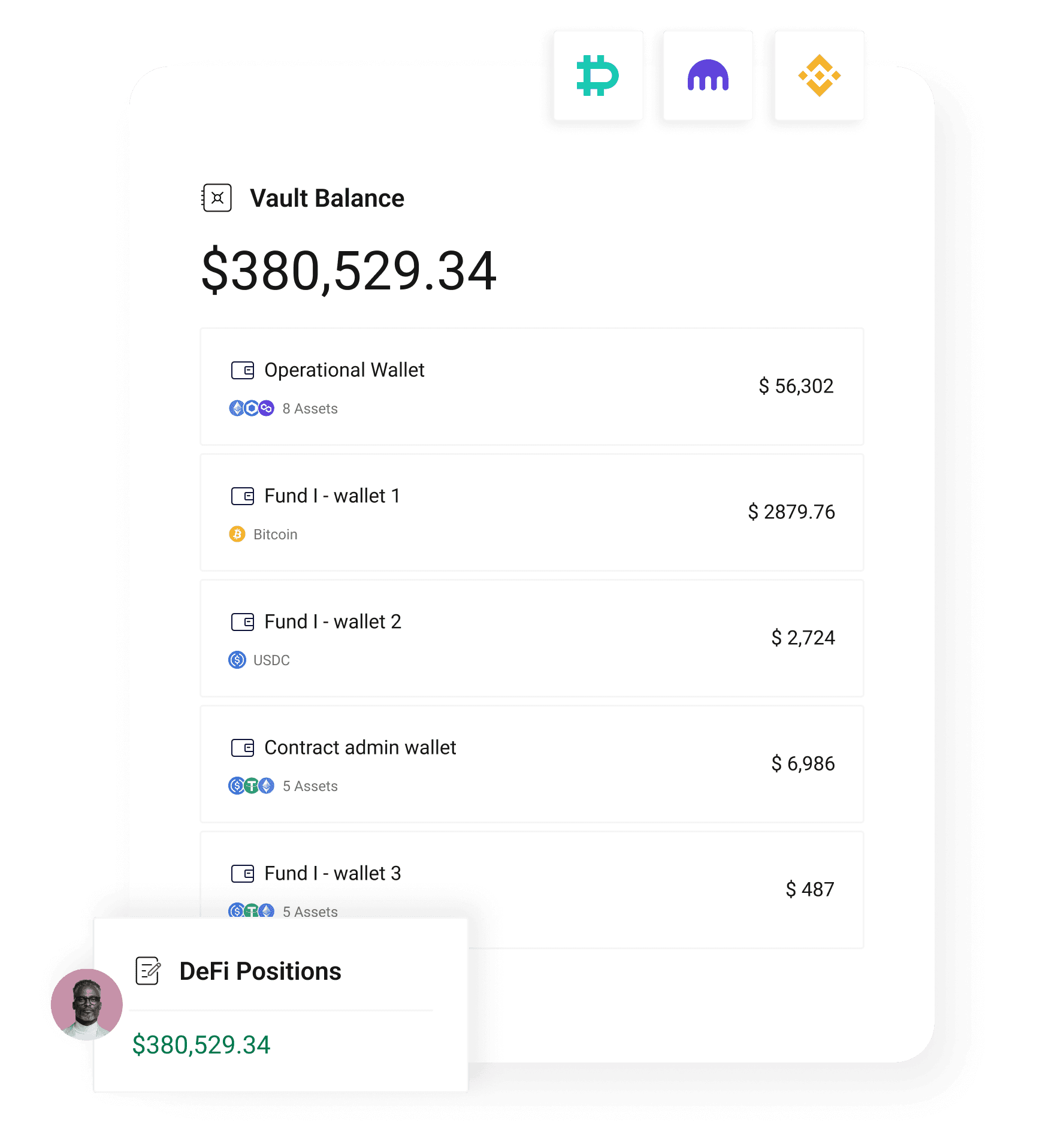
to exchanges, yield, and staking
Expand your network with Utila Link.
Discover
by region, chain, asset or vertical
Connect
to global payment rails
Settle
securely and at scale

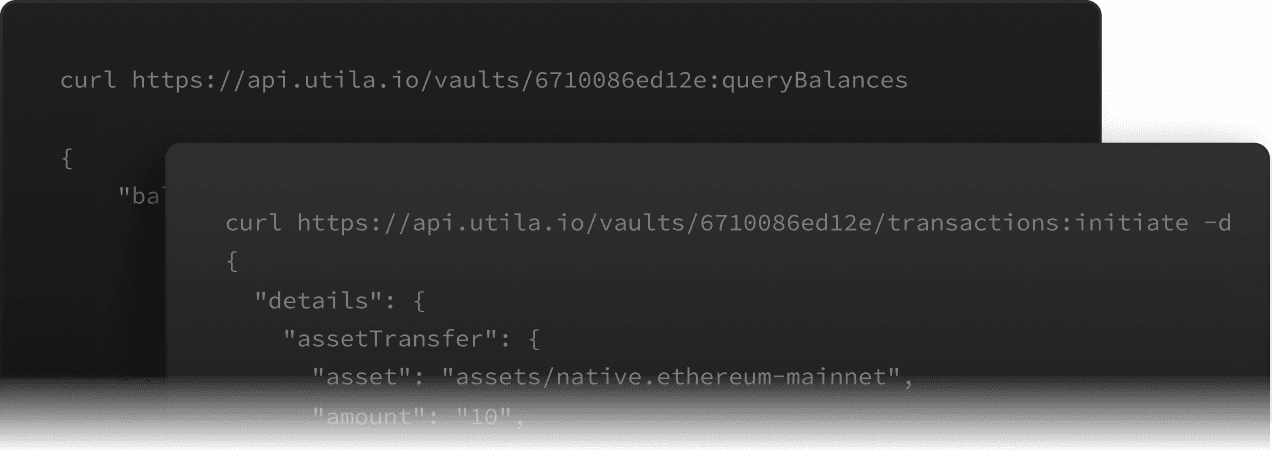
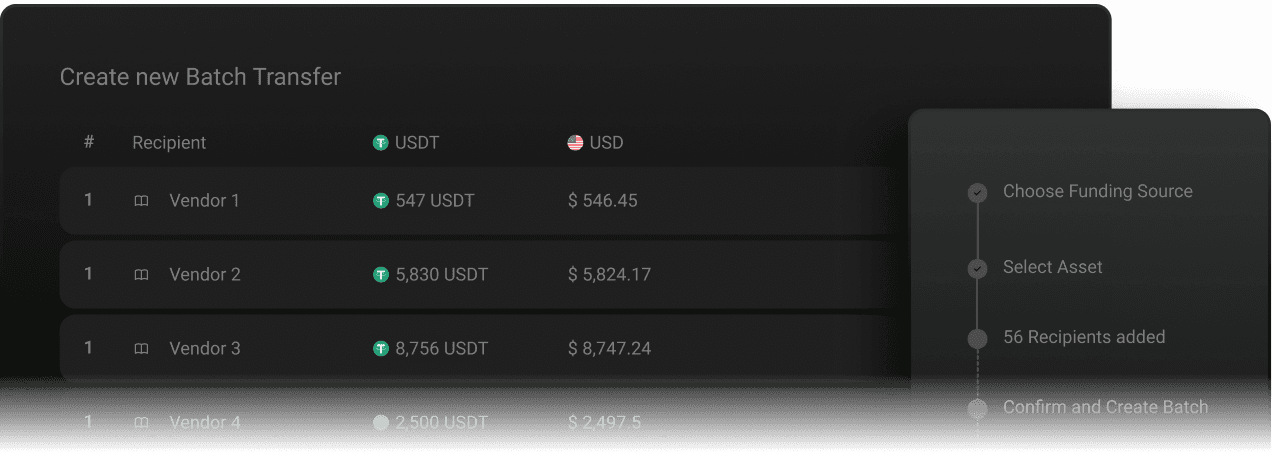
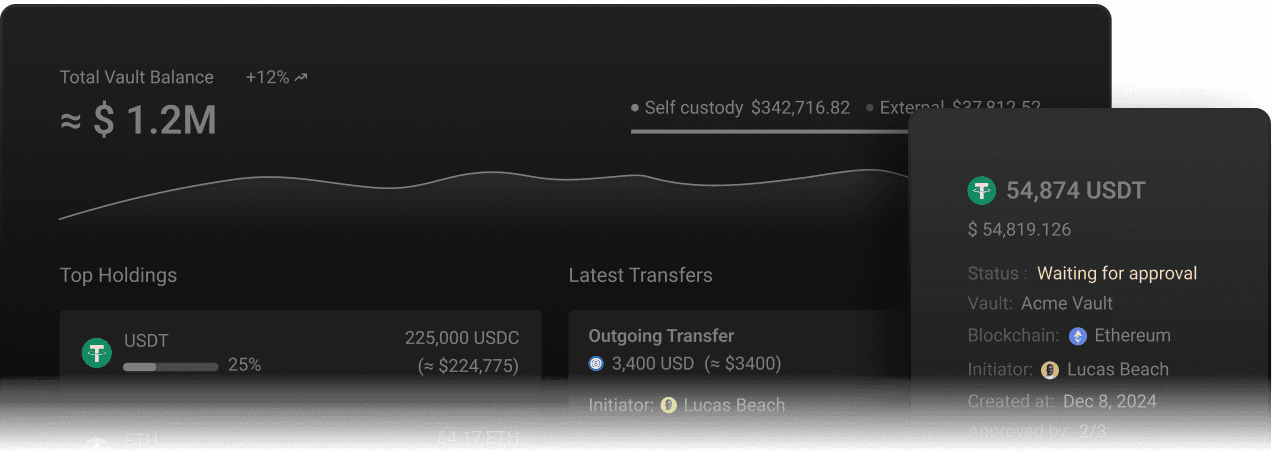
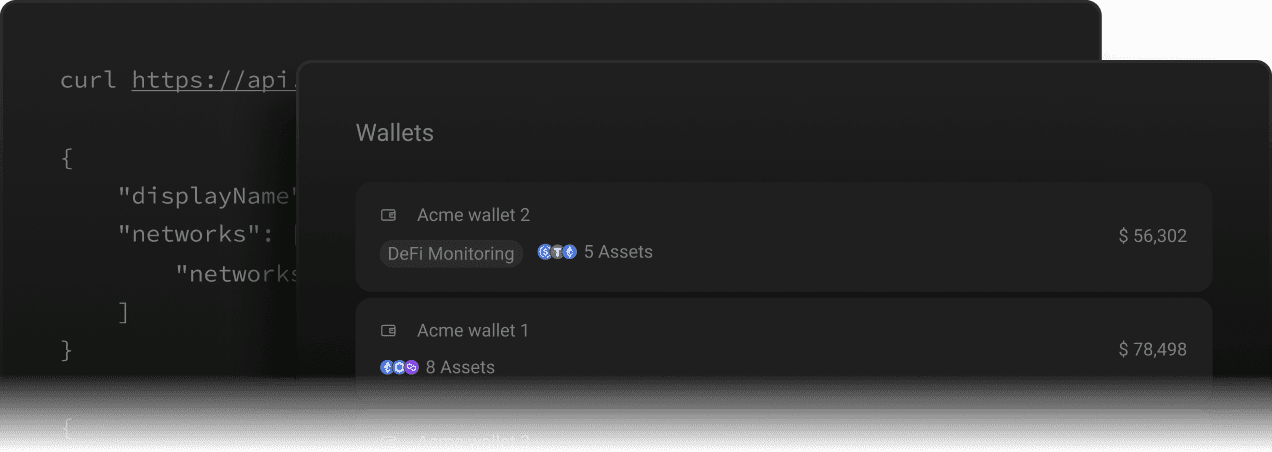
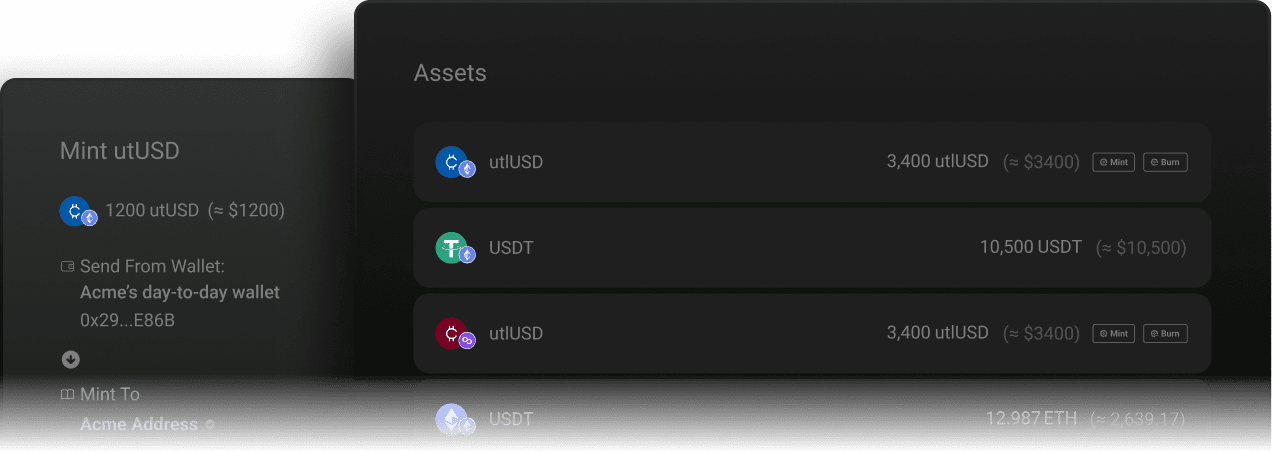
Comprehensive infrastructure stack for all digital asset operations
Why leading institutions are moving to Utila

What happens to my transactions if my primary custody provider goes down?

Your transactions keep running through a standby Utila environment that holds the same wallet addresses, policies, and pre-verified signing setup as your primary provider. Because the backup vault is configured and validated before any outage, your team can sign and settle the moment the primary system becomes unavailable, with no recovery delay.
How quickly can Utila mirror my existing MPC wallet environment?
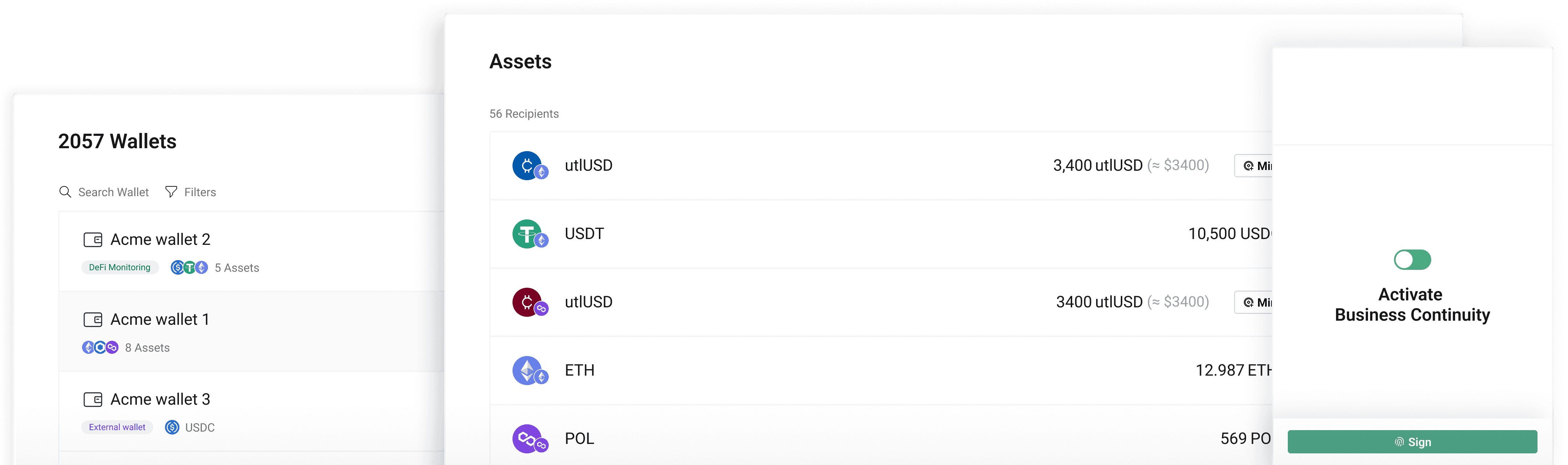
Utila mirrors a full MPC wallet environment within minutes, rather than the months a manual disaster-recovery rebuild can take. The setup replicates your wallets, approval workflows, and whitelisted addresses into a dedicated Utila Vault, so the backup is operational the same day you configure it.
What gets replicated when I mirror my setup to Utila?
Mirroring to Utila replicates your wallets, transaction policies, approval workflows, transaction limits, and whitelisted counterparty addresses exactly as they run in your primary provider. Your operational controls and signing rules stay identical in the backup environment, so a failover does not weaken governance.
Can Utila preserve the same wallet addresses from my current provider?
Utila preserves your existing wallet addresses across more than 100 blockchains by importing your vault keys and matching the same industry-standard derivation path used to generate them. You keep signing from the original addresses, so counterparties, integrations, and on-chain records need no changes after a switch.
Which vault keys can I import into a Utila backup vault, and how?
You can import both ECDSA and EdDSA vault keys into a dedicated Utila vault, which covers the key types used across most major blockchains. The transfer runs through the Utila CLI, which encodes the keys into a QR code that you scan with the Utila mobile app, keeping the key material off general-purpose channels.
Can I run Utila as a secondary provider without fully migrating?
You can run Utila as a secondary provider alongside your primary one, operating both platforms in parallel. This lets you switch providers instantly during an incident, keep Utila as a permanent standby, or migrate fully later, depending on your operational and regulatory needs.
Will setting up a Utila standby environment disrupt my existing provider's operations?
Setting up a Utila standby environment does not disrupt your existing provider, because the mirroring process replicates supported assets without touching your current provider workspaces. Your primary operations keep running normally while the backup is built and verified in parallel.
How does Utila's business continuity solution support DORA compliance?
Utila's business continuity solution supports DORA by giving you a tested failover plan that maintains transaction capability, protects signing keys, and reduces single-vendor and third-party concentration risk. The standby environment is auditor-verifiable, which supplies the operational resilience evidence regulators expect under DORA and similar frameworks.
How does Utila provide institutional wallet backup across many wallets?
Utila provides institutional wallet backup through enterprise APIs that automate wallet imports and policy mirroring across your full estate. The multi-wallet setup replicates hundreds of wallets and their controls programmatically, so each backup carries the same addresses and signing rules as the original rather than a fresh configuration.
What failures does Utila's disaster recovery setup protect against?
Utila's disaster recovery setup protects against the three failure modes that take digital asset operations offline: a primary provider outage, a third-party or vendor failure that cuts access to your stack, and a security incident affecting the primary environment. Running a separate standby across these scenarios also removes the single-vendor dependency that regulators treat as concentration risk.
Ready to build institutional-grade resilience?
Companies who trust our enterprise-grade governance, security, and operational control:
Seamlessly connect your existing systems, infrastructure, and workflows — all in one unified platform.